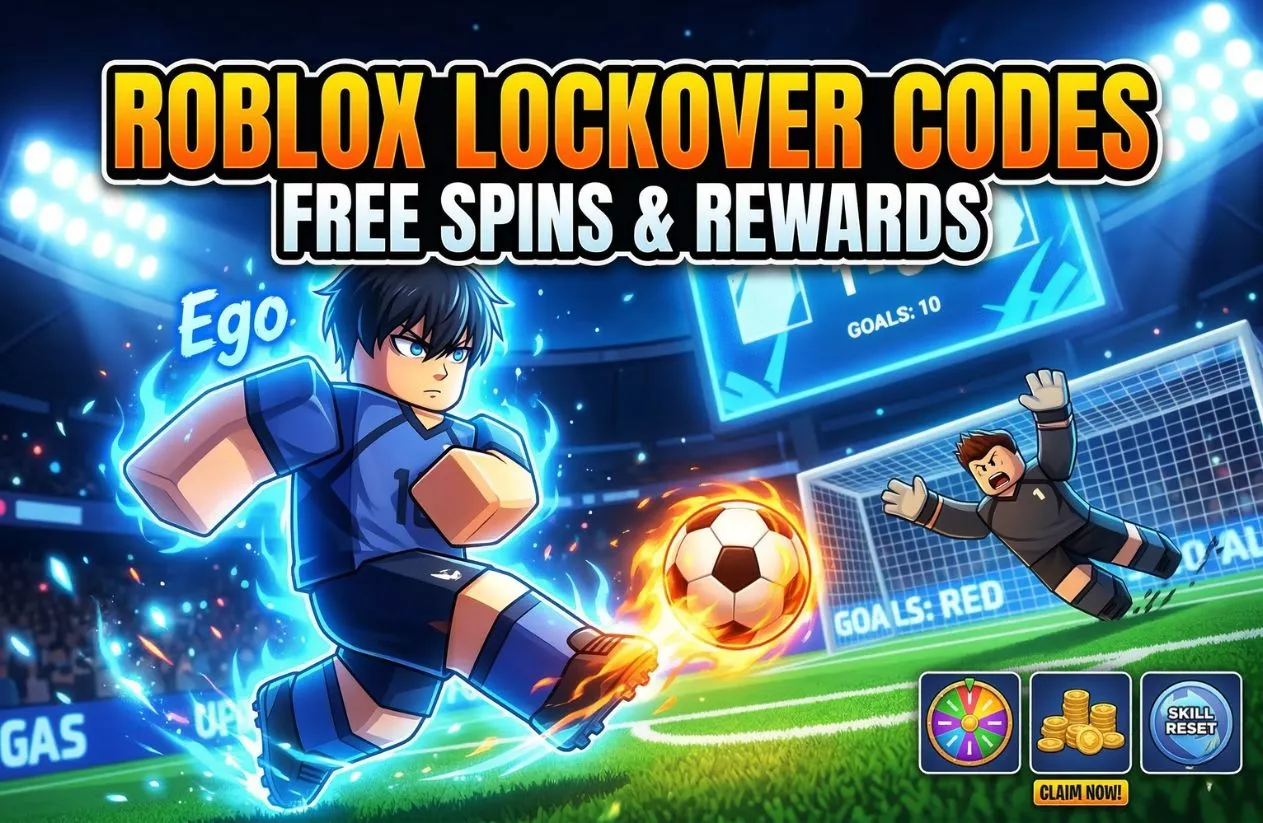
Roblox LockOver Codes (August 2026): Free Spins & Cash Rerolls
Article TL;DR (The Instant Answer Box)
Quick Summary: Looking for the latest LockOver Codes? Redeem the codes LEAGUE and SAE to instantly bag up to 15,000 Locks each. Before you can use any codes, the game requires you to score 10 goals in public matches to unlock the redemption terminal. Copy the full active list below to reroll for S-Tier playstyles like Lazy Genius or Demon.
LockOver doesn’t hand out wins easily. Building an elite striker in this Blue Lock-inspired Roblox soccer game requires S-tier playstyles like Lazy Genius or Demon, but the game’s brutal RNG can drain your in-game wallet instantly. Grinding out matches with a basic setup is a slow crawl that leaves you lagging behind the competitive meta.
Using developer-backed LockOver Codes is the fastest shortcut to skip the grind, providing the free cash, spins, and resets needed to fix a bad build. To save you from wasting time on expired rewards, we have manually tested and updated this active code list for August 2026. Grab your rewards below and claim the competitive edge on the pitch.
All Active Roblox LockOver Codes (August 2026)
Using developer rewards is the absolute best strategy to avoid grinding for hours just to fix a bad roll. Below is the updated, verified list of active rewards to boost your in-game currency and pull elite playstyles.
Crucial Tip: Roblox text inputs are highly case-sensitive. To prevent an accidental “Invalid Code” error, copy the code directly from the table below and paste it straight into the in-game text field. Ensure no trailing spaces are left at the end of the line.
| Active LockOver Codes | In-Game Rewards & Free Spins | Status |
| LEAGUE | 15,000 Locks (In-game Cash) | Verified Working |
| SAE | 15,000 Locks (In-game Cash) | Verified Working |
| YUKI | 8,000 Locks (In-game Cash) | Verified Working |
| RIN | 4,000 Locks (In-game Cash) | Verified Working |
| 5MVISITS | 3,500 Locks (In-game Cash) | Verified Working |
| SHIDOU | 3,500 Locks (In-game Cash) | Verified Working |
| KURONA | Free Locks / Cash Payout | Verified Working |
| 1DAYDELAY | Free Locks / Cash Payout | Verified Working |
| HIORI | Free Locks / Cash Payout | Verified Working |
| DELAY | Free Locks / Cash Payout | Verified Working |
How to Redeem Roblox LockOver Codes
Bypassing the 10-Goal LockOver Codes Requirement
If you open the menu as a new player and ask yourself, “Why can’t I type codes?”, you are hitting the game’s built-in anti-bot filter. The developer requires every account to score 10 goals in public matches before unlocking the ability to input LockOver Codes.
This hard milestone requirement blocks automated script accounts from exploiting the economy with free cash. To bypass this barrier quickly, jump into public servers, play aggressively as a striker, and focus entirely on finishing plays inside the penalty box until you hit your tenth goal.
Step-by-Step Code Redemption Process
Once you secure your tenth goal, the menu restrictions lift automatically. Follow these steps to claim your free cash and spins:
- Complete the Prerequisite (Takes ~2-3 matches): Enter public matches and score a total of 10 goals to unlock the code redemption feature.
- Open the Main Menu (In-game HUD): Press the M key on your keyboard or tap the ‘Menu’ button located in the bottom left corner of your screen.
- Navigate to the Store (Menu Selection): Click on the Store icon found on the right side of the pop-up options.
- Enter Your Focus Keyword (Code Validation): Locate the purple text field at the bottom. Enter your selected LockOver Codes exactly as written.
- Claim Your Locks (Instant Payout): Click Redeem to inject the free cash and spins directly into your character profile.
Expired LockOver Codes (The Graveyard)
Nothing ruins a gaming session faster than entering a code only to watch an “Expired” error pop up. Because the developers frequently cycle out old rewards during major updates and balance reworks, legacy codes quickly hit the graveyard.
Tracking these expired entries tells you exactly which rewards are officially out of commission so you don’t waste your time testing dead links. If you see these specific LockOver Codes floating around on other forums or social media pages, skip them entirely:
- SAE_FIX
- SHIDOU_REWORK
- LUNA_UPD
- 10KLIKES
- YUKI_V3
- LOCKOVER2026
- 3MVISITS
- 1KYT
- LUNA_UPDATETOMORROW
- 2KPLAYERS
- RELEASE
- 10kCODE
- 5kCODE
- SHIDOU
- RIN
- 5MVISITS
Troubleshooting: Why Aren’t My LockOver Codes Working?
Facing an error message when trying to boost your character account can be frustrating. If your rewards aren’t processing correctly, it usually comes down to a few specific system mechanics rather than a broken game link. Below are the exact technical reasons your inputs might be failing.
Typos and Case Sensitivity in LockOver Codes
The redemption terminal treats capital letters and lowercase letters completely differently. If a reward is programmed in all capital letters, entering it in lowercase will automatically trigger an “Invalid Code” error. Typos, especially accidental spaces tacked onto the beginning or end of the text string from copy-pasting, are the most frequent causes of failed attempts. Always make sure the text field contains only the exact letters of the code.
Understanding One-Time Use LockOver Codes Limits
Every developer-backed reward is locked to a strict one-time use policy per Roblox account. If you already claimed a specific batch of free cash or spins during an earlier gaming session, trying to use that same entry again will result in an “Already Redeemed” alert. These promotional bonuses are designed to give players a quick initial boost, not a recurring source of infinite free currency.
Server Desyncs and Patch Discrepancies in LockOver Codes
When the developers roll out a sudden hotfix or balance patch, older game servers don’t always update instantly. If you try to input a brand-new reward on an unpatched server, the outdated terminal will reject it. If you know a code is active but it still fails, log out, wait a few minutes, and join a completely fresh public server instance to let the platform synchronize properly.
Spending Your Locks: Best Playstyles to Reroll For
Redeeming your free cash is only half the battle. To actually climb the ranks, you need to know how to deploy your newly acquired funds efficiently. Dumping all your cash into mid-tier rolls will keep you stuck in the lower divisions.
The competitive landscape moves fast, and spending your currency to chase specific high-tier attributes is the smartest way to leverage your rewards. Focus your cash reserves on pulling these dominant meta rankings:
Lazy Genius (Nagi Style)
This option sits firmly at the top of the competitive rankings due to its broken ball control mechanics. It grants your character elite trapping capabilities, allowing you to settle impossible, high-velocity passes instantly. If you favor outplaying tight defensive lines in close quarters and maintaining possession under pressure, this is the build to hunt for.
Demon (Shidou Style)
Built entirely for hyper-aggressive strikers who want to force their way onto the scoreboard. This selection offers an immense boost to your spatial awareness inside the box, enabling you to trigger high-velocity, long-range bullet shots that bypass goalkeepers entirely. It sacrifices deep dribbling finesse for pure, raw offensive output.
Clinical Finisher
The ultimate choice for players who fill a traditional striker role. It strips away complex flashiness to focus entirely on maximum execution, delivering absolute shot accuracy and raw power when operating inside the penalty box. Landing this attribute guarantees that close-range attempts find the back of the net consistently.
How to Get More LockOver Codes and Secret Rewards
To stay ahead of the competitive curve and grab new bonuses before they expire, you need to know where the developers drop updates. Relying solely on code lists means you might miss out on flash rewards or limited-time patch bonuses.
Monitoring the game’s official community hubs is the most effective way to secure a steady stream of free in-game currency.
The Official Discord Server
This is the central hub for the entire community and the primary source for urgent announcements. When a server goes down unexpectedly or an emergency hotfix rolls out, the developers almost always drop exclusive LockOver Codes as compensation in the announcements channel. Setting up notifications here ensures you can claim limited-use rewards before they hit the graveyard.
The LockOver Trello Board
If you want to track the underlying mechanics of the game, the official Trello board is an essential tool. Beyond hosting the official weapon tier lists and playstyle data, the development team uses this public board to track community milestones and upcoming reworks.
Keeping an eye on the “Work in Progress” and “Milestones” columns gives you a clear heads-up on when the next major reward drop is approaching.
The Roblox Group Platform
Many players overlook the official game group page on Roblox, but joining it is a simple way to earn passive perks. The developers frequently gate specific promotional items or secondary cash bonuses behind a group membership requirement.
Joining the group ensures that your character profile is fully eligible for any automatic cash multipliers or login rewards tied to future system updates.
FAQ: Essential Guide to Roblox LockOver Codes
How often do developers release new LockOver Codes?
Developers typically release new LockOver Codes alongside major content updates, balance patches, server maintenance windows, or when the game crosses specific player visit and like milestones on the Roblox platform.
Can I use macro programs to farm the 10 goals required for LockOver Codes?
No. Using automated macro programs or scripts to farm goals violates the game’s terms of service and risks a permanent account ban. The fastest, safest way to unlock your LockOver Codes is to play standard striker positions in public matches and score genuine goals.
What is the fastest way to earn cash alongside active LockOver Codes?
Outside of active LockOver Codes, the most efficient method to earn cash is by completing your daily quests and maintaining a winning streak in consecutive ranked matches, which yields the highest cash-per-minute payout in the game.
Related Content: