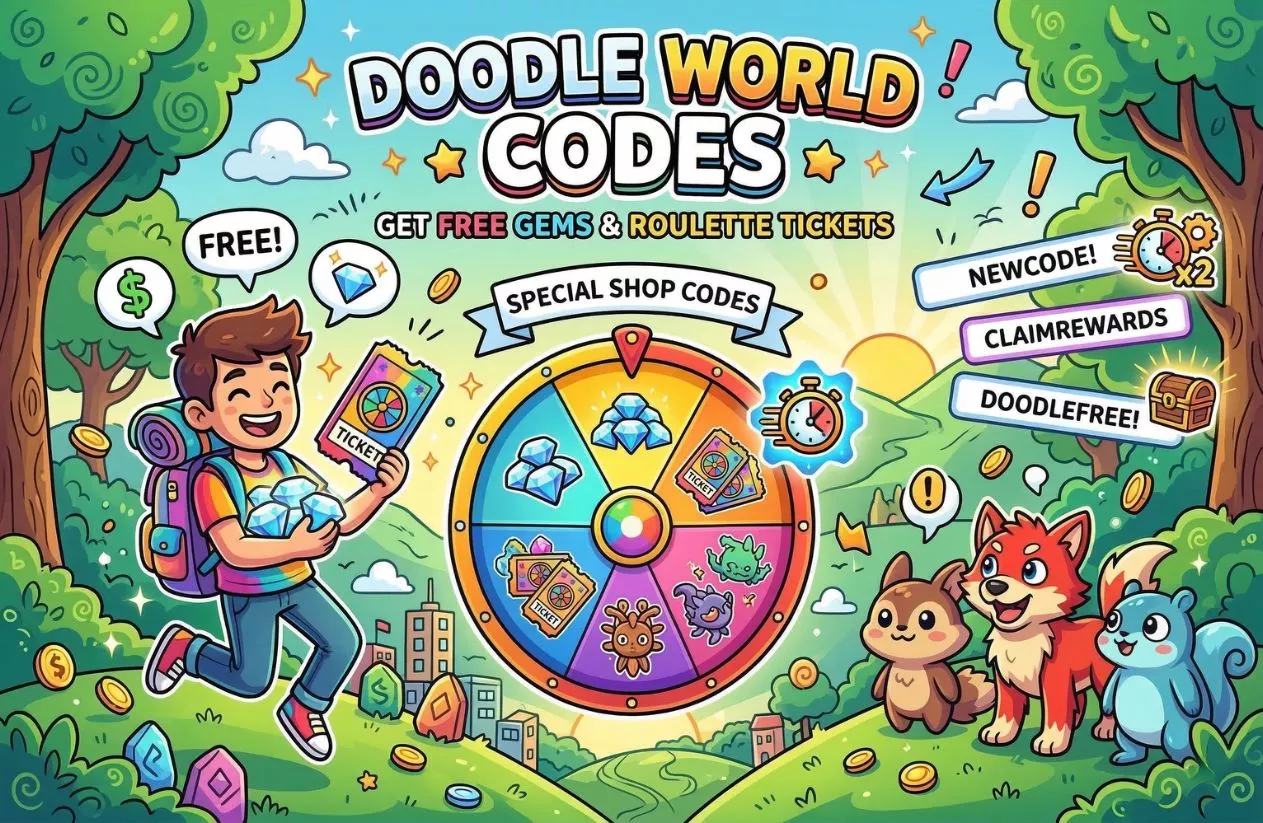
Doodle World Codes (August 2026): Get Free Gems
The active Doodle World Codes for July 2026 are DeliciousFinwick (gives a Misprint 5-Star Tinted Garracude), AmiableBestBoy (gives 1 Lesser Chain Ticket), and PrideSwarmSnack (gives 1 Pride Swarm Snack). Redeeming these developer drops inserts rare creature variants and chain-building items straight into your character’s save file.
Let’s skip the exaggeration: free codes won’t instantly clear the toughest trainer battles or hand you a perfect team out of nowhere. However, if you are actively hunting for a highly specific 6-star misprint or saving up cash for high-tier capsule inventory, the resource loop in this game can get tedious. Standing in a wild zone for hours burning through standard encounters gets old fast when you are low on basic tracking items.
Think of these official text promos as a practical shortcut to pick up extra resources along the way. Instead of scraping together every single piece of cash from wild battles, plugging in these latest rewards gives you immediate access to rare tinted variants and critical chain multipliers, keeping your hunt moving forward without draining your patience.
Table of Contents
All Working Doodle World Codes for August 2026
The table below breaks down the verified text strings you can input directly into the game right now. To help you plan your hunts, the items are organized by what they actually give your profile, alongside notes on what those rewards mean for your team composition.
Unlike standard Roblox games that rely exclusively on tiny bundles of cash, the development team frequently uses the code interface to inject specific stat-boosted creatures, unique cosmetic tokens, or chain-building multipliers into your inventory.
Doodle World Active Code Directory
| Input String | Confirmed Account Reward | Strategic Purpose & Notes |
| DeliciousFinwick | 5-Star Tinted Garracude (Misprint) | High-value collector piece; features unique skin shaders out of the box. |
| AmiableBestBoy | 1x Lesser Chain Ticket | Increases encounter multipliers; use this to hunt wild misprints. |
| PrideSwarmSnack | 1x Pride Swarm Snack | Consumable item used to bait or enhance specific wild swarms. |
| HopusTakeover | 5-Star MHT Tinted Hopus | Grants a rare variant with Hidden Trait eligibility. |
| AdminAbuseSoonEyes | 1x Chain Boost Token | Temporarily spikes capture streaks to save real-world tracking time. |
| YippeeGems | 400 Free Gems | Premium shop currency; best saved for high-tier Roulette tickets. |
| Welcome | $3,000 Starting Cash | Basic economy boost; perfect for stocking up on early capsules. |
Character Profile Rule: A major difference in this system compared to generic Roblox titles is asset binding. When you claim a specific creature reward like the Tinted Garracude, that entity prints directly into your active party or storage box. If your party space is completely full at the moment of submission, check your backup storage boxes to locate the creature.
To ensure your layout updates correctly when these reward parameters transfer to your profile, use the following interface breakdown to track your premium item inventory and active boost states.
Recently Expired Doodle World Codes to Stop Testing
Wasting your time typing outdated strings into the redemption prompt only leads to a screen full of “Invalid Code” errors. Many sketchy aggregate sites intentionally keep these items listed as active just to capture traffic, but the reality is that the development team pulls old codes as soon as event windows close or player milestone thresholds are crossed.
The list below outlines recently deactivated text inputs that are officially dead on the server side. If you see another platform promising that these will still grant items, they are giving you outdated information.
Inactive Voucher History
- BungoPizza — Originally rewarded players with a custom Bungo Pizza profile sticker; deactivated following recent game patches.
- 200KLikes — Granted a two-hour community Chain Boost event window; no longer recognized by the store database.
- 200KLikes1 — Provided a temporary Misprint encounter rate multiplier; deactivated alongside the core milestone celebration.
- 200KLikes2 — Part of the 200,000 community like celebration bundle; completely deactivated.
- MerryXMas24 — Legacy holiday cosmetic and token drop; automatically timed out by the internal calendar script.
- BattleArenaRelease — Promotional launch voucher celebrating competitive area updates; pulled from the database permanently.
Why Wiping App Cache Won’t Help: A common piece of bad advice floating around community boards claims you can reset expired entries by clearing your Roblox application cache folder or reinstalling the client. Because your character save profile, unlocked inventory assets, and code verification statuses are stored on the secure external cloud architecture rather than your local hard drive, these dead codes cannot be forced back open. Once a string is flagged as expired on the main database, it is permanently closed to all players.
Step-by-Step: How to Use Your Doodle World Codes
The redemption process in this game is built directly into the main interface, meaning you do not have to leave the experience or visit an external website to claim your items. Because the system updates your inventory in real-time, you can apply your rewards and jump straight back into exploration immediately.
Verification Process Inside the Interface
- Launch the Game: Open the experience via the Roblox launcher and let your current character save file load completely.
- Open the Main Menu: Look for the Menu button located on the bottom left corner of your screen (or press the designated menu key configuration if you are playing on a desktop).
- Navigate to the Storefront: Inside the menu layout, click on the icon labeled Special Shop (this is usually marked by a small cash or diamond symbol).
- Access the Voucher Portal: Look for the specific sub-tab or text link that reads “Enter Codes Here”.
- Input and Submit: Copy a working string from our active list, paste it into the empty input box, and hit the Submit / Redeem button. Your items will immediately print to your bag or creature boxes.
The Input Advantage: A highly unique feature of this game’s code architecture is its capitalization settings. Unlike the vast majority of Roblox experiences where a single lowercase letter will break the entry, codes here are historically not case-sensitive. This means you do not need to stress about exact capitalization when manually typing out the strings; the system will process the characters successfully regardless of your caps lock setup.
Why Isn’t My Doodle World Code Redeeming Properly?
Hitting a brick wall when entering a text string usually comes down to a few exact internal game checks rather than a broken app. If the submission window flashes a rejection alert, use these technical checkpoints to figure out exactly why the automated network verification is failing:
- The Hidden Clipboard Space: Copying text from a community sheet or browser window frequently grabs an invisible space at the front or tail end of the text. The game’s character field counts empty space as an actual character entity, which immediately breaks the check. Clear out the entry entirely and type the text by hand if it rejects a direct paste.
- One-Time Character Save Locks: The game links promotional items explicitly to your current master save block. If your Roblox profile has already claimed a package like
DeliciousFinwickonce, you cannot clear it again on that specific run. Attempting to claim it multiple times on the same character save file instantly causes a system conflict rejection. - Hard Profile Requirements: Certain specialized drops require your character file to pass explicit progression checkpoints before they can register. For instance, specific mount accessory codes like
BonBonHatwill actively return a failure screen if your profile database has not cleared the prerequisites to obtain the Book Key item first. - Invisible Server Updates: The developers occasionally pull time-sensitive chain tickets or holiday swarm items via backend hotfixes without changing the primary version number displayed on the Roblox page. If a code fails despite having no spacing or duplicate claim issues, the server database has simply closed the active registration window for that specific event event.
Advanced Strategy: Best Ways to Invest Your Free Gems and Cash
Grabbing cash injections and premium currency from active developer drops gives your profile a strong financial foundation, but dumping those resources into the wrong mechanics will slow down your progression. To build a highly competitive team and pull rare variants efficiently, you need to manage your inventory and tickets with a clear plan.
Chain Boosters vs. Straight Roulette: Maximizing Your Misprint Odds
When you accumulate premium currency and tickets, the game presents a major choice: do you throw them at the high-variance Roulette wheel, or invest them directly into your hunting chains?
- The Roulette Risk: Using your free gems on straight Roulette rolls is a massive gamble. While you can technically pull powerful endgame creatures early, the odds are heavily weighted against you, often leaving you with common variants that do not fit your team structure.
- The Chain Booster Efficiency: The most efficient way to utilize your free tokens is to save them for targeted encounter swarms. Activating your Chain Boosters only when a swarm of your desired creature appears allows you to compound your encounter multipliers rapidly. This approach gives you the highest statistical probability of encountering 6-star misprints or unlocking rare hidden traits, transforming temporary boosts into permanent high-value assets.
Storage Box Allocation: Inventory Management for Serious Hunters
One of the most overlooked bottlenecks in the game is box space. When you are deep into a heavy chaining session, running out of storage space mid-hunt forces you to break your streak to clear out room, completely wasting your active ticket timers.
The Allocation Rule: Use a portion of your free cash rewards to preemptively expand your storage box capacity. Do not wait until your boxes are full to buy extra space.
Keep a dedicated, completely clean section of your storage boxes explicitly labeled for incoming encounters. By maintaining open inventory slots, you can quickly capture high-IV (Individual Value) wild creatures or distinct hidden trait variants without interrupting your catching momentum.
This ensures that every second of your active chain multipliers is spent hunting rather than managing menus.
How to Spot Safe, Official Doodle World Codes Early
To grab new vouchers the exact second they drop, stop trusting random search engine queries or shady aggregate sites. The vast majority of platforms posting daily code lists are simply scraping outdated info to pull ad revenue. Instead, finding active rewards requires keeping tabs directly on the source channels where the development team drops official updates.
To build a reliable inventory tracking system, bookmark and monitor these official community spaces:
- The Doodle World Studios Discord Server: This is your primary hub for real-time drops. The developers use the server’s dedicated announcement channels to push out balance patches, upcoming sneak peeks, and surprise milestone codes. If a promotional drop has a strict limit on account redemptions, this community will flag it first.
- Wish’s Official Twitter/X Profile: The game’s lead developer frequently drops exclusive text strings directly to their personal social media page to celebrate personal milestones or minor weekend updates.
- The Roblox Game Landing Page: Always check the main game description box right before launching the experience. The development team often updates the text layout to include the most recent community “like milestone” code right at the top.
A Serious Warning on Currency Scams: You will frequently run into YouTube thumbnails, Discord links, or pop-up sites advertising “Free Robux Tools,” “Unlimited Gem Hacks,” or “Doodle Generators.”
These platforms are completely fraudulent. Because your character save profile, unlocked creature assets, and code verification statuses live entirely on Roblox’s secure external cloud servers—rather than locally on your computer or phone—it is physically impossible for an external program to inject free gems or cash into your profile.
Interacting with these platforms puts your account at risk of automated system bans or compromises your personal device security. Stick exclusively to verified public developer announcements to keep your profile safe.
Frequently Asked Questions About Doodle World Codes
Do Doodle World codes ever expire?
Yes, the vast majority of promotional text strings feature hard expiration dates set by Doodle World Studios. While starter codes like Welcome are designed to remain active permanently for new players, high-value codes tied to specific updates, real-world holiday windows, or player milestones usually go offline within a few weeks. Always check active database listings regularly to redeem new drops before the server shuts down authorization for them.
Can you trade Doodles received via promo codes?
Yes, any creature assets you obtain via promotional entries drop directly into your active party or personal storage boxes as standard, fully tradeable entities. This means if you use a code like DeliciousFinwick to claim a rare variant that you do not plan on using in your competitive team composition, you can freely list that creature in public trading hubs to swap it with other players for specific misprints or high-IV variants that fit your tracking goals.
At what milestone will the next major like code drop?
The development team releases new major milestone rewards based on specific storefront community interactions. The next major promotional voucher is officially scheduled to drop when the game scales to 225,000 likes on the Roblox launch page. Once that threshold is cleared, the creators will publish the updated text string directly to the game description box and official community alert channels.
Related Content: