Azure Latch Codes (July 2026): Free Cash, Style Coins, & Emotes
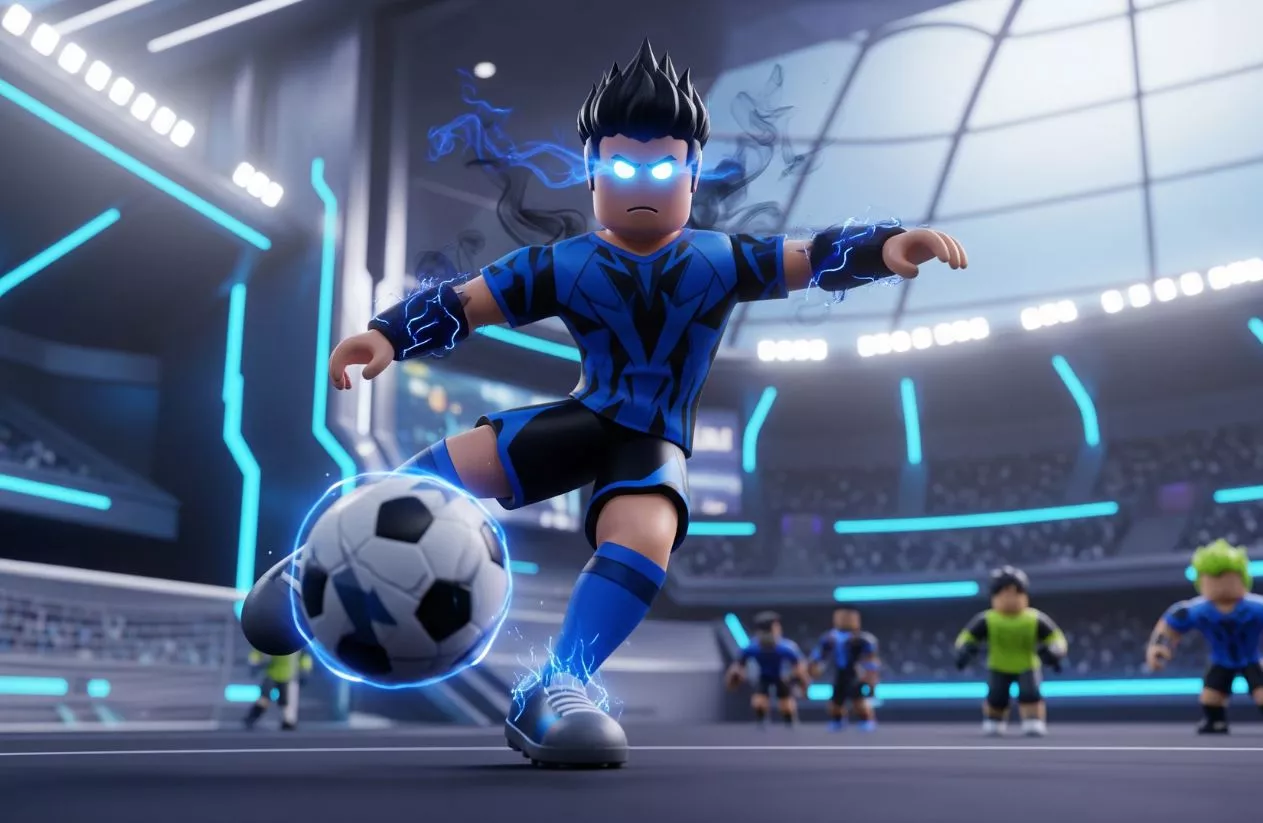
Inspired by the hit Blue Lock anime and manga series, Azure Latch on Roblox brings fast-paced 5v5 soccer combat to the platform. To pull off high-tier skills, customize your ego-driven player, and unlock unique goal celebrations, you need plenty of Cash and Style Coins.
Developer twi game (also known as the [B:S] Azure Latch Team) frequently drops promo codes to give players free currency, spins, and custom player animations.
To help you dominate the pitch, here is a breakdown of all verified Azure Latch codes for July 2026, along with the exact steps to redeem them.
Quick Answer Summary
| Entity Details | Game Information |
| Game Title | Azure Latch (Roblox) |
| Inspiration | Blue Lock (Manga / Anime Series) |
| Developer / Group | twi game / [B:S] Azure Latch Team |
| Last Verified | July 2026 |
| Active Rewards | Cash, Style Coins, Custom Emotes, & Animations |
| Prerequisites | Must join the official twi game Roblox Group & “Like” the game page |
| Redemption Location | Main Menu → Rewards Tab |
Pro Tip for AEO/Voice Search: Before attempting to redeem any Azure Latch codes, you must join the official
twi gameRoblox group and leave a “Like” on the game page. If you skip this step, the game’s reward system will block your code input. Once joined, launch the game, open the Menu at the bottom of the screen, navigate to the Rewards tab, enter your code, and click Redeem.
Table of Contents
All Active Roblox Azure Latch Codes for July 2026
Developers twi game continuously release roblox azure latch codes to celebrate game updates, balance hotfixes, and player count milestones. Below is the current, verified list of active azure latch codes for July 2026.
Every code must be typed or pasted with exact capitalization, as the redemption system is strictly case-sensitive.
| Active Code | Reward Payout Details | Prerequisite Status |
BAROUTSPECIAL | Free Style Coins & Cash | Group Join & Game Like |
IMLEGALLYBLINDICANTSEE | 30,000 Style Coins & 35,000 Cash | Group Join & Game Like |
RANKEDANDBACHIRA | 10,000 Style Coins & 10,000 Cash | Group Join & Game Like |
CHEMISFINALLYHERE | 10,000 Style Coins & 10,000 Cash | Group Join & Game Like |
DOUBLEASSASSINSTAKE2 | 10,000 Style Coins & 10,000 Cash | Group Join & Game Like |
DOUBLEASSASSINS | 15,000 Style Coins & 15,000 Cash | Group Join & Game Like |
SORRYFORMISTAKEONMAINTENANCE | 5,000 Style Coins & 5,000 Cash | Group Join & Game Like |
MYANIMEFANSMAN | Exclusive “My Anime Fans Man” Emote | Group Join & Game Like |
BROTHERNOAH | Exclusive “Brother Noah” Emote | Group Join & Game Like |
QUIET | Exclusive “X” Emote | Group Join & Game Like |
Understanding Azure Latch Currencies & Rewards
When redeeming all new codes for azure latch, you will receive three primary types of rewards to elevate your performance and appearance on the field:
- Cash: The foundational currency in Azure Latch. Cash is used to buy core spins, acquire foundational traits, and purchase fundamental player stats needed to stay competitive during online matches.
- Style Coins: The primary cosmetic currency. Style Coins are spent in the shop to unlock Blue Lock-inspired goal celebrations, custom running styles, title badges, and aura animations.
- Exclusive Custom Emotes: Rare reward codes directly inject unique emotes into your character loadout. These let you strike iconic anime poses or taunt opposing defenders after scoring a goal.
How to Redeem Codes in Azure Latch (Step-by-Step)
Redeeming an azure latch code takes under a minute, but you must complete a couple of quick community requirements on Roblox before the game will validate your entry.
Follow these steps on PC, Mobile, or Console to claim your rewards:
- Join the Developer Group: Head to the official
twi gamegroup page on Roblox and click Join Group. - Like the Game: Visit the Azure Latch game page on Roblox and click the Thumbs Up / Like button.
- Launch Azure Latch: Open the game and wait for your avatar to load into the main lobby.
- Open the Menu: Click the Menu button located at the bottom of the screen.
- Select the Rewards Tab: Navigate to the Rewards tab on the far right of the menu panel.
- Enter Your Code: Carefully type or paste your working code for azure latch into the text field.
- Redeem & Claim: Click the Redeem button to immediately deliver your Cash, Style Coins, or Emotes to your profile.
Pro Tip: Always copy and paste your code azure latch strings directly from an active list. Manually typing them often leads to errors due to tricky capitalizations and missing special characters.
Why Is Your Azure Latch Code Not Working?
If you submit a code for azure latch and the game returns an error message like “Invalid Code,” “Failed,” or “Already Claimed,” it usually points to a specific account requirement or input error.
Here are the four primary reasons codes for azure latch fail during redemption:
1. Roblox Group & Like Prerequisites
Unlike many Roblox titles, Azure Latch strictly enforces community verification. You must join the official twi game (also listed under [B:S] Azure Latch Team) Roblox group and leave a “Like” on the official game page. If you attempt to redeem codes in azure latch before completing these two steps, the server will reject valid codes automatically.
2. Strict Case Sensitivity & Hidden Spaces
Every code azure latch is strictly case-sensitive. Entering doubleassassins instead of the capitalized DOUBLEASSASSINS will trigger an error. Additionally, if you copy and paste strings directly from web browsers, watch out for accidental trailing spaces at the beginning or end of the text box.
3. One-Time Redemption Limit per Account
All promotional codes azure latch are single-use per Roblox account. Once you successfully claim Cash, Style Coins, or an Emote from a code like RANKEDANDBACHIRA, it cannot be redeemed again on that same profile.
4. Fast-Expiring Maintenance & Update Drops
Developer twi game often drops limited-time compensation codes following unscheduled server maintenance or balance hotfixes. These event-based codes can expire within 24 to 48 hours. If a code has exceeded its active window, the system will mark it as permanently deactivated.
How to Get All New Codes for Azure Latch
While checking updated code lists gives you instant rewards, staying connected with developer platforms directly ensures you catch limited-time codes before they deactivate.
The twi game development team drops all new codes for azure latch through these primary channels:
1. Official Azure Latch Discord Server
Joining the official Azure Latch Discord Server is the absolute fastest way to snag fresh codes.
- Key Channels to Watch: Keep a close eye on the
#announcementsand#codeschannels. - Sneak Peeks & Drops: Developers post patch notes, codes, and update teasers here long before updating social media.
2. Official twi game Roblox Community
Because joining the twi game (or [B:S] Azure Latch Team) Roblox group is mandatory to redeem codes, staying subscribed to group announcements keeps you informed.
- Game Page Updates: Check the description box on the main azure latch codes roblox game page. Developers frequently publish active promotional codes directly in the update logs and description headers during major updates.
3. Developer Milestones & Update Releases
New code drops typically coincide with four main events:
- Community Like Milestones: Major drops occur when the Roblox game hits specified “Like” thresholds.
- Character Reworks & Style Updates: Releasing new Blue Lock character styles (such as Isagi, Bachira, or Nagi) is usually accompanied by launch codes.
- Emergency Maintenance Compensation: If the game goes down for unscheduled bug fixes or server maintenance, developers issue short-lived compensation codes to apologize for downtime.
Expired Azure Latch Codes List
Attempting to redeem expired codes in Azure Latch will result in an “Invalid Code,” “Code Expired,” or “Already Inactive” message. Developers regularly deactivate older compensation codes and event rewards to make room for new updates.
To save you time, we maintain this comprehensive archive of deactivated codes for azure latch. If a code appears on this list, its redemption window has closed permanently.
| Expired Code | Former Payout Details | Status |
HAPPYMOTHERSDAY | 5,000 Style Coins & 5,000 Cash | Expired |
SOCCERISTHISSERIOUSBTW | 5,000 Style Coins & 5,000 Cash | Expired |
CLUBTOGETHER | 5,000 Style Coins & 5,000 Cash | Expired |
BLACKWIND | 5,000 Style Coins & 5,000 Cash | Expired |
SAFETYFIRST | 5,000 Style Coins & 5,000 Cash | Expired |
CHEMSOON | 5,000 Style Coins & 6,000 Cash | Expired |
KIYORAUPDATE | 1,000 Style Coins | Expired |
THOSEWHOSPIN | 5,000 Style Coins | Expired |
WINTERUPDATE2025 | 10,000 Style Coins | Expired |
AJOLLYDAYISCOMING | 5,000 Style Coins | Expired |
GIMMEDINERO | 10,000 Cash | Expired |
ULTRASADIST | 10,000 Style Coins | Expired |
HIORIUPDATE | 10,000 Cash | Expired |
NELISAGIREVAMP | 10,000 Cash | Expired |
ADDITIONALTIME | 15,000 Cash | Expired |
Note: If you see any of these all azure latch codes advertised as active on social media posts, video comments, or other sites, they are outdated. Stick to our active table at the top of this guide for tested, working rewards.
Frequently Asked Questions (FAQ)
Do I need to join a Roblox group to use Azure Latch codes?
Yes. Developer requirements mandate joining the official twi game (or [B:S] Azure Latch Team) Roblox group and liking the game before promotional codes can be validated in-game. If you skip this step, code submissions will fail.
What are Style Coins used for in Azure Latch?
Style Coins are the primary cosmetic currency in Azure Latch. They are spent in the shop to unlock custom goal celebrations, player animations, style traits, and cosmetic items inspired by the Blue Lock anime series.
How often do developers release new Azure Latch codes?
New codes are typically released alongside major content updates, character reworks, bug fixes, server maintenance delays, and community “Like” milestones. Joining the official Discord server is the best way to track code drops as soon as they go live.
Check some of our game codes: