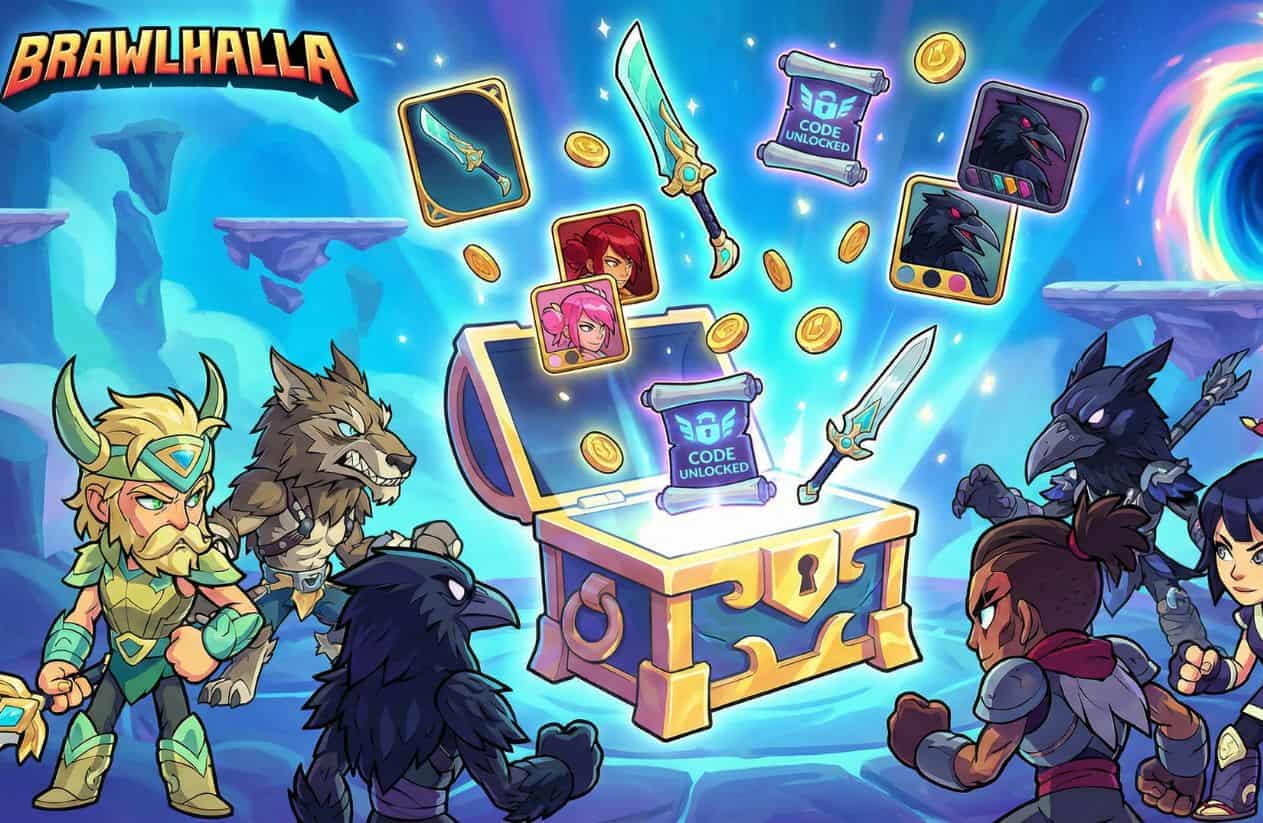
Brawlhalla Codes (August 2026): Free Skins, Weapon Bundles & Titles
Unlocking premium cosmetic loadouts in Brawlhalla allows you to customize your main Legends with exclusive weapon skins, character outfits, and lobby titles. Redeeming active Brawlhalla Codes gives you an instant, free route to expanding your inventory without spending Mammoth Coins.
Developer Blue Mammoth Games and publisher Ubisoft issue promotional redemption codes through official esports broadcasts, social media verification links, and partner giveaways.
Quick Answer Summary
| Entity Details | Game Information |
| Game Title | Brawlhalla (PC, Mobile, PlayStation, Xbox, Nintendo Switch) |
| Developer / Publisher | Blue Mammoth Games / Ubisoft |
| Last Verified | August 2026 |
| Top Active Rewards | Aesir Forged Brynn Skin, Raven Weapon Skins, Exclusive Titles & Cosmetic Bundles |
| Primary Free Code Sources | In-Game Promo Codes, Social Media Drops (Twitter/Twitch), and Esports Viewership Rewards |
| Redemption Location | In-Game Store → Gear Icon (bottom-right / bottom-left) → Redeem Code |
Pro Tip: While universal codes can be redeemed across all platforms, note that direct in-app code redemption may be restricted on certain iOS devices due to Store policy updates. Mobile players can sync their account via Ubisoft Connect to claim rewards across linked platforms.

Table of Contents
All Active Brawlhalla Redeem Codes for August 2026
To keep your account stocked with free Legend cosmetics, weapon variants, and lobby titles, claiming active brawlhalla codes as soon as they are issued is essential. Developer Blue Mammoth Games releases universal brawlhalla promo codes alongside social verification links, esports streams, and special community milestones. Gathering these brawlhalla redeem codes gives you a fast route to expanding your character loadouts without spending Gold or Mammoth Coins.
Below is the verified list of active brawlhalla skin codes and promotional rewards available for redemption this month:
| Code String | Reward Payout Details | Verification Status |
TQ7INV-GIM6NS | Free “Knower of Truth” Account Title | Active |
KQXNZC-PW5ASR | Aesir Forged Brynn Legend Skin | Active |
WJTKA8-451VCG | Raven’s Talon Scythe Weapon Skin | Active |
N8G00R-RJ3KP7 | Katars of the Raven Weapon Skin | Active |
F43E3Y-R6YKS1 | Sword of the Raven Weapon Skin | Active |
8YHKES-4E1SRN | Free “Magical” Account Title | Active |
Breakdown of In-Game Reward Categories
Claiming brawlhalla free skins and promo codes grants items across several distinct customization categories:
- Legend Skins & Weapon Skins: Visual redesigns for specific roster Legends (such as Brynn) alongside standalone weapon skins like the Raven Scythe, Katars, and Sword. These alter your character’s in-match appearance and weapon models without changing base combat stats.
- Community Colors & Account Titles: Exclusive color palettes (such as Community Colors 1 & 2) that apply across your entire character roster, along with decorative titles displayed in pre-match lobbies and player profiles.
- Sidekicks, Emotes & Bundles: Non-combat cosmetics including unique podiums, animated Taunts/Emotes, and custom delivery Sidekicks obtained through official Ubisoft partner drops and Twitch viewership events.
How to Redeem Codes in Brawlhalla
Redeeming brawlhalla codes is simple, but the option is located inside the in-game shop rather than the main settings overlay. The process is identical across PC, PlayStation, Xbox, Nintendo Switch, and Android.
Follow these step-by-step instructions to claim your brawlhalla redeem codes:
- Launch Brawlhalla: Open the game on your preferred platform (PC, PlayStation, Xbox, Switch, iOS, or Android).
- Access the Store: From the main lobby screen, click or tap the Store tab in the main navigation menu.
- Locate the Gear Icon: Scroll down to the bottom corner of the Store interface and click the Gear Icon (cog wheel).
- Select Redeem Code: Choose the Redeem Code option from the pop-up options.
- Enter Code String: Type or paste your valid brawlhalla promo codes into the text field, making sure to include hyphens.
- Confirm & Collect: Press Redeem to instantly add the Legend skins, weapon variants, or account titles to your inventory.
iOS Player Note: Apple App Store guidelines restrict direct code redemption inside the iOS app. iOS players can redeem codes by logging into their linked account on PC, Android, or console to sync the unlocked cosmetics cross-platform.
Why Is Your Brawlhalla Code Not Working?
If you submit active brawlhalla codes in the store menu and receive an error message or invalid status, it is typically caused by account usage limits, syntax errors, or platform account linking issues.
Here are the primary reasons brawlhalla promo codes fail to activate:
- One-Time Use Limit: Universal promotional codes can only be redeemed once per Brawlhalla account. If you have already claimed a specific reward (such as the Aesir Forged Brynn skin) on your linked account, re-entering the string will return an “Already Redeemed” error.
- Typographical Errors: Codes in Brawlhalla follow a strict 12-character format with hyphens (e.g.,
XXXXXX-XXXXXX). Copying extra spaces or entering lowercase letters will cause the system to reject the string. - Platform & Account Link Restrictions: Certain promo bundles (such as Twitch Drops or social verification links) require connecting your official Ubisoft/Brawlhalla account first. If your social account is not properly linked to your game ID, the system cannot issue the item to your inventory.
- Single-Use Stream Drops: Codes earned by watching official Esports tournament broadcasts are strictly unique, single-use keys. Once another player redeems a stream drop code, it becomes permanently inactive.
How to Get Free Brawlhalla Codes (Twitch Drops & Esports)
Beyond universal promotional drops, developer Blue Mammoth Games regularly distributes free brawlhalla skin codes and cosmetic bundles through official community channels, live esports events, and social media verification programs.
If you want to keep your account loaded with brawlhalla free skins without spending Mammoth Coins, make sure to leverage these three primary distribution channels:
- Official Twitch Viewership Rewards: Watching official Brawlhalla esports tournaments and developer streams on Twitch earns you points via an interactive stream overlay extension. As your total watch time increases, the overlay unlocks unique, single-use brawlhalla twitch drops for weapon skins, sidekicks, community colors, and exclusive titles.
- Social Media Verification Freebies: You can permanently unlock the Raven weapon skin set by following official Brawlhalla accounts through Gleam verification links. Following their official Twitter/X account awards the Katars of the Raven, following their Twitch channel unlocks the Sword of the Raven, and subscribing on YouTube grants the Scythe of the Raven.
- Prime Gaming & Partner Giveaways: Ubisoft regularly partners with Amazon Prime Gaming and gaming gear brands (like SteelSeries) to issue limited-time claim keys. Subscribing to Prime Gaming allows you to claim monthly crossover bundles that include Legend skins, emote taunts, and sidekicks directly to your account.
Twitch Drop Safety Tip: Codes earned from Twitch brawlhalla viewership rewards are unique to your account overlay. Never purchase stream codes from unauthorized third-party marketplaces, as expired or duplicate single-use keys cannot be refunded.
Expired Brawlhalla Codes Archive
Submitting a deactivated or expired code string into the in-game store menu will return an error message reading “Code Already Claimed” or “Invalid Code”.
To save you from wasting time retyping dead strings, we maintain this comprehensive archive of past brawlhalla codes that have been retired by Blue Mammoth Games following event completions and stream reward rotations.
| Expired Code String | Original Payout Details | Expiration Status |
GQTG6J-BB8CJZ | Free Cosmetic Reward | Expired / Retired |
5XYGQH-H0S21H | Free Cosmetic Reward | Expired / Retired |
V75S16-P8WF3T | Free Legend / Weapon Cosmetic | Expired / Retired |
XN1RRJ-Q8PJVX | Free Cosmetic Reward | Expired / Retired |
5XGHWJ-5JCNS1 | Free Cosmetic Reward | Expired / Retired |
X1RHS4-9GF2KB | Free Cosmetic Reward | Expired / Retired |
408J7W-RZAW18 | Free Cosmetic Reward | Expired / Retired |
7T5G5Y-MVGPP8 | Free Cosmetic Reward | Expired / Retired |
P97TJ9-Z521XV | Mysterious Stranger Bundle | Expired / Retired |
Note: If a code appears on this archive table, its active redemption period has permanently ended. You can check active brawlhalla redeem codes in our working table above for rewards that are currently verified and functioning.
Frequently Asked Questions (FAQ)
Do Brawlhalla codes work on mobile and console?
Yes, Brawlhalla features full cross-play and cross-progression. You can redeem codes across PC, Xbox, PlayStation, Nintendo Switch, and Android directly inside the in-game Store menu.
(Note: Due to Apple App Store restrictions, iOS players must redeem codes via an account logged in on a supported platform or web browser to sync unlocked cosmetics to their profile).
Do Brawlhalla promo codes give competitive advantages?
No, all Brawlhalla codes unlock purely cosmetic items like Legend skins, weapon models, color palettes, sidekicks, and lobby titles. They do not alter character stats, hitboxes, movement speed, or combat damage.
How do you get Community Colors in Brawlhalla?
Community Colors are earned by tuning into official developer streams on Twitch (via stream drop rewards), winning community esports tournaments, participating in official Discord contests, or redeeming special promotional event
Also check some of our game codes: