Seekers Notes Codes (2026): Free Energy, Rubies & The Truth About “Cheats”
We’ve all been there. You are deep into the Legends of the New Moon event, finally close to banishing a creature in the tricky new Qipao Store location, and—bam—you are out of energy. It is the absolute worst feeling in Darkwood.
If you are scouring the internet for old-school promo codes to type into a chat box, you will come up empty. In 2026, Mytona shifted gears. The game isn’t about secret passwords anymore; it is all about Support ID redemption and direct Store Gift Links.
Finding working Seekers Notes Codes now requires knowing where to look outside the app. This guide breaks down exactly how to find your ID, use the official web portal for freebies, and avoid those shady “unlimited ruby” generators.
Active Seekers Notes Codes & Gift Links (February 2026)
Let’s rip the band-aid off immediately: if you see a random website listing static codes like SEEKERS2026 or RUBYFREE, they are lying to you. Mytona retired the old “copy-paste” code system ages ago. Now, everything runs through direct Gift Links that auto-open your game or send rewards to your inbox via the web store.
The “Monday Gift” (Official Weekly Drop)
Set a recurring alarm for this one. Every single week, the developers push out a specific reward link—usually via their official email newsletter or pinned on their Facebook fan page. It is not random; it is clockwork.
This drop is the holy grail for free-to-play users because it almost always contains a hefty chunk of free energy (usually 100+ points) and sometimes a specialized banishing item. If you aren’t subscribed to the newsletter, you are effectively throwing away free resources every week.
Social Media Gift Links
The real treasure hunt happens on the official Seekers Notes Facebook and Instagram stories. However, you need to be careful. Scammers love to post fake links in the comments of official posts.
How to spot a fake:
A legitimate link will always direct you to seekersnotes.com or the official portal store.seekersnotes.com. If a link tries to take you to a sketchy third-party generator asking for your password or email login, run. Real gifts only ever ask for your Support ID, never your account password.
Event-Specific Rewards
Right now, with the Legends of the New Moon event in full swing, the devs are dropping specialized links that give event currency (like Moon Tokens), not just generic energy. These are critical for clearing the event shop without spending real money.
Also, keep your eyes peeled for “Ice Dancing” teasers. Mytona has a habit of dropping “pre-event” gifts a few days before a major update goes live to get the community hyped. These usually expire within 24 hours, so speed is everything.
How to Redeem Codes in 2026 (The “Seekers Store” Method)
If you are a returning player from a few years ago, you might be looking for a “Redeem Code” text box in the settings. Stop looking—it is gone. In 2026, the only way to claim external rewards is through the Seekers Store. This is Mytona’s way of bypassing app store fees, and they bribe us with freebies to use it.
Here is the exact workflow to get your daily free gift without messing up.
Step 1: Finding Your Support ID
You cannot do anything without this. Your Support ID is your digital fingerprint in Darkwood.
- Open Seekers Notes and look at the main map screen.
- Tap the Gear Icon (Settings) in the top right corner.
- In the menu that pops up, look at the very bottom or top (depending on your device). You will see a long string of numbers and letters like
12345ABC. - Do not try to memorize it. Just tap on the ID itself, and it will auto-copy to your clipboard.
Step 2: Accessing the Web Portal
Open your mobile browser (Safari or Chrome) and go to store.seekersnotes.com.
- Pro Tip: Bookmark this page. You should be visiting it every 24 hours anyway for the “Daily Bonus.”
- Once you are there, you will see a prompt to log in or enter your Support ID. Paste the code you just copied.
Step 3: The Redemption Process
Once you are logged in, do not get distracted by the paid bundles (unless you want to buy Rubies).
- Look for the tab or section labeled “Free” or “Bonus.”
- You will see a chest or an energy icon with a price of “Free.”
- Tap the “Claim” or “Collect” button.
Visual Cue: The Green Checkmark
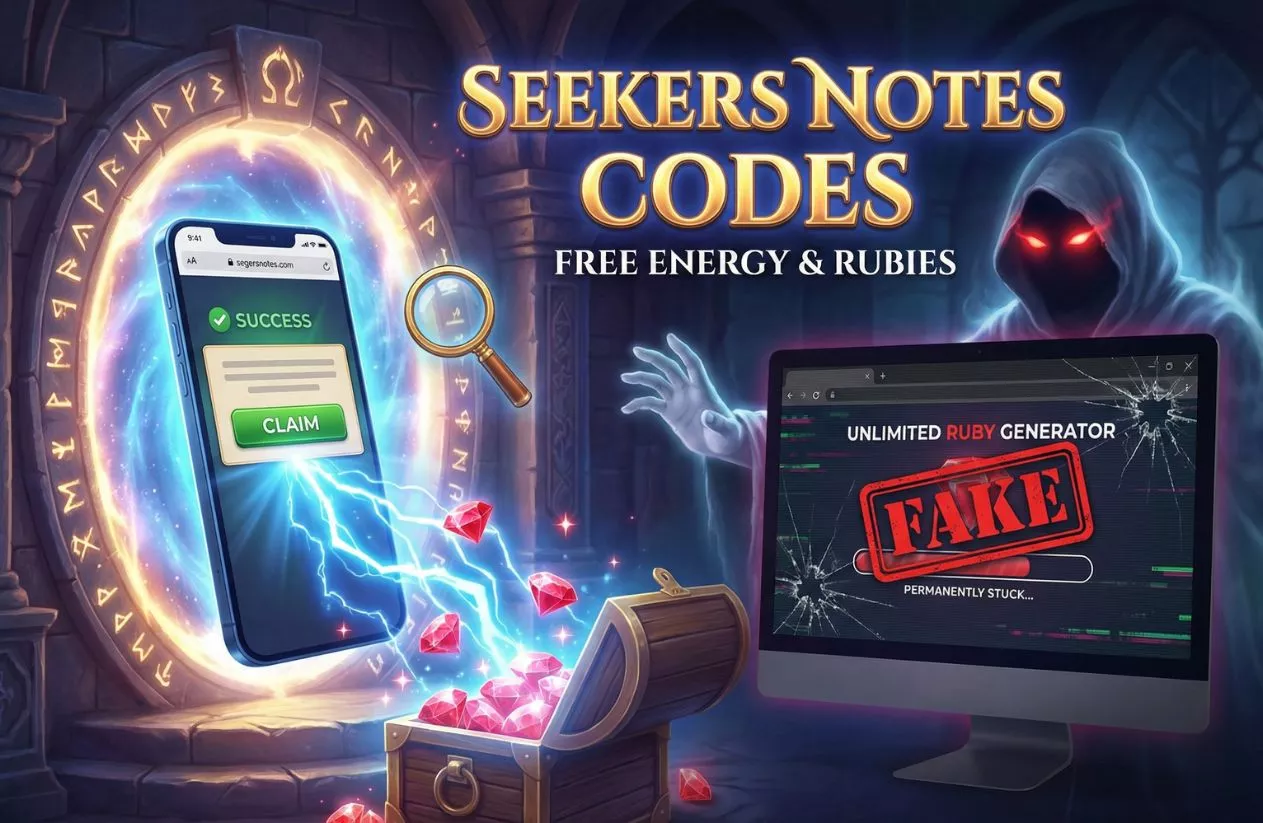
You aren’t done until you see the confirmation. After you click claim, a pop-up window should appear with a big Green Checkmark saying “Success” or “Item Sent.”
If you don’t see this, the server didn’t register it. Refresh the page and try again. Once you see the green check, open your game app. The energy usually adds automatically to your bar, or the items (like Mycoins or banishing tools) will appear in your inventory or mailbox within 60 seconds.
The “Unlimited Rubies” Scam & The “Time Travel” Risk
It is tempting, I know. You just want to finish the collection, and you are three rubies short. You search Google and see a site promising “99,999 Free Rubies Generator.”
The Generator Scam
Here is the hard truth: There is no such thing as an infinite ruby generator. Mytona’s currency is server-sided. This means the number of rubies you have is stored on their secure computers, not on your phone.
Any site claiming to “inject” rubies into your account is actually a phishing scam. They usually ask you to “verify you are human” by downloading other apps or entering your email. The moment you do that, you aren’t getting rubies—you are getting malware or signing up for spam lists. If a site asks for your password to “add coins,” they are stealing your account to sell it.
The “Time Travel” Cheat (Don’t Do It)
Some players try to cheat the energy system by changing the date and time on their phone settings (forwarding the clock by 2 hours to refill energy instantly).
In 2026, Mytona’s anti-cheat detection is brutal. If you “Time Travel”:
- Your game will break: You might find your energy timer stuck at “999 hours” until the real time catches up.
- Guild Ban: This is the big one. If the system detects time manipulation, it often auto-bans you from participating in Guild Events. You become dead weight to your team because your points won’t count.
- Merchant Lock: The crafting merchants (like the Smithy) will stop refreshing their items.
It isn’t worth bricking your save file for 50 energy. Stick to the legit methods below.
5 Legit Ways to Get Free Energy (No Codes Needed)
Since cheat codes are a bust, how do you actually keep playing without paying? Here are the five reliable methods the top players use to keep their energy bars full.
1. Guild Benefits & The “Magister’s Path”
If you are playing solo, you are playing on “Hard Mode.” Joining an active Guild is non-negotiable in 2026.
- The Energy Request: You can request free energy from guildmates every few hours. It costs them nothing to send it, and you get a nice bump of 5-10 energy instantly.
- Magister’s Path: This is the big guild event. By exploring locations, your guild unlocks collective chests. These chests are absolutely loaded with energy items (like Coffee or Cake). A Diamond League guild can earn you hundreds of energy points a week just for participating.
2. The “Ad Watch” Strategy
It is boring, but it works. In the bottom left corner or the store menu, you will see a “Watch Video” button.
- The Cap: You are usually limited to a few videos a day.
- The Reward: Each video gives either Rubies or Energy.
- Pro Strategy: Watch these while you are doing something else, like making dinner. Let the ads play out to stockpile resources for when you actually have time to sit down and focus on a difficult Hidden Object scene.
3. Desktop vs. Mobile (The Sync Trick)
Here is a secret most mobile players miss: Seekers Notes is available on the Microsoft Store for PC.
- If you sync your progress using your Support ID or Facebook, you can play on both your phone and your computer.
- Why bother? Sometimes the “Video Ad” providers are different on PC than on mobile. You might max out your ads on your iPhone, hop onto your PC, and find that you can watch a few more there. It doesn’t always work, but when it does, it is free extra loot.
4. Farming Guardians (Snowman & Yeti)
Don’t ignore the creatures roaming your map. The Snowman and Yeti guardians aren’t just there for decoration.
- Banishing them requires specific weapons (which you can craft or find).
- The Drop: When banished, they drop “Guardian Chests.” These chests have a very high drop rate for energy consumables. If you have a stockpile of banishing weapons, go on a hunting spree. It is the fastest way to convert inventory items into playable energy.
5. Trading Collections
This is the most overlooked mechanic. Instead of letting your collections sit there gathering dust, trade them in.
- Many basic collections reward you with “Energy Items” (like the Croissant or Coffee) upon completion.
- Check your Collection tab. If you have 50 “Paper Clips” and “Old Stamps,” combine them. You earn XP and energy items instantly. It is essentially recycling your junk into fuel.
Troubleshooting: “Why Can’t I Claim My Gift?”
So, you found a link, you entered your ID, and… nothing. Or worse, a nasty red error message. Before you rage-quit, let’s troubleshoot. The system is picky, and usually, one of these three things is the culprit.
1. The “Expired Link” Problem
This is the most common heartbreaker. Most Seekers Notes gift links have a very short lifespan—usually 48 to 72 hours max.
- If you are clicking a link from a “Best Codes of 2025” roundup article, it is dead.
- Even the “Monday Gifts” often expire by Wednesday or Thursday. Speed is key here. If the store says “Item not found” or “Offer expired,” you were simply too late.
2. Invalid Support ID
This happens more often than you’d think.
- The Typo: The Support ID is a mix of numbers and letters. It is incredibly easy to mistake the number
0for the letterO. - The Fix: Never type it manually. Always use the “Copy ID” button in the game settings. If you type it and get an error, go back and copy-paste it directly.
3. “You Already Claimed It”
The system has a strict “One Gift Per ID” rule for each specific campaign.
- If you click a link on Facebook, claim the energy, and then click the same link on Instagram thinking you can double-dip, it won’t work. You will get a message saying the gift was already redeemed.
- Note on Region Lock: While rare for standard gifts, sometimes specific promotional links are tied to certain regions (like a contest specifically for the Asian or European servers). If you are using a VPN, turn it off before accessing the store to avoid any “Region Lock” errors.
Frequently Asked Questions
How do I get free rubies in Seekers Notes 2026?
There is no “secret code” for rubies. The only legitimate ways are leveling up, watching daily video ads, completing achievements, or getting lucky with a rare drop from a “Monday Gift.” Avoid any website that asks for your password to “generate” them.
Where is my Support ID?
It is hidden in your settings. Open the game, tap the Gear Icon in the top right, and look at the bottom of the window. Use the “Copy” button to save it to your clipboard so you don’t mistype it.
Do Seekers Notes codes expire?
Yes, and very quickly. Most social media gift links last between 24 to 48 hours. If you find a list of codes on a forum from a month ago, none of them will work.
Final Thoughts: Play Smart, Not Hard
Navigating Darkwood is tough enough without falling for scam websites or wasting time on expired links. Remember, if a site promises you thousands of rubies for downloading an app, it’s a trap. Stick to the official methods: use your Support ID, join an active Guild, and trade those collections to keep your energy bar full.
Finding working Seekers Notes Codes isn’t about hacking the system; it is about knowing where to look and acting fast when the official drops happen. Bookmark the web portal and check the Seekers Store every Monday! Your energy bar (and your guildmates) will thank you.
Also, check some of our gaming codes: