Android or iPhone for Gaming? The 2026 Reality Check (Heat, FPS & Emulation)
Quick Answer
If you want consistency, exclusive AAA ports, and high resale value, choose the iPhone 17 Pro. It handles everything with zero fuss.
If you want Switch/PC emulation, active cooling (no throttling), and modding freedom, choose a Flagship Android (like the RedMagic 11 or ROG Phone 9).
The Rule of Thumb: iPhone for casual to competitive players; Android for enthusiasts who tinker.
The Hardware Reality: A19 Pro vs. Snapdragon 8 Elite
Let’s cut through the marketing noise. If you look at Geekbench scores, the A19 Pro (inside the iPhone 17 Pro) looks like the winner. It crushes single-core tasks and makes the UI feel impossibly smooth. But there is a catch that Apple doesn’t put on the billboard: the “Heat Wall.”
Because iPhones rely purely on passive cooling (no fans, just metal and glass), they can’t shed heat fast enough during intense sessions. About 20 to 30 minutes into a max-settings game of Warzone Mobile or Genshin, the phone protects itself by dimming the screen to 50% brightness. It’s not a bug; it’s physics. You can’t game if you can’t see the enemy.
The Android Advantage: Brute Force Cooling This is where the Snapdragon 8 Elite (Gen 5) flips the script. In dedicated gaming phones like the RedMagic 11 or ROG Phone 9, this chip is paired with actual internal fans and massive vapor chambers. They don’t just throttle when things get hot; they blow the heat out.
The “Sustained Performance” Test Raw power means nothing if it only lasts five minutes. In a sustained stress test, an iPhone 17 Pro starts at 100% speed but drops to ~65% after an hour to stay cool. A RedMagic running the 8 Elite stays at 99% speed indefinitely.
When you are strictly deciding between Android or iPhone for gaming based on hardware, ask yourself: do you play for 15 minutes on the bus (iPhone), or do you play for three hours on the couch (Android)?
The Library War: App Store vs. Emulation
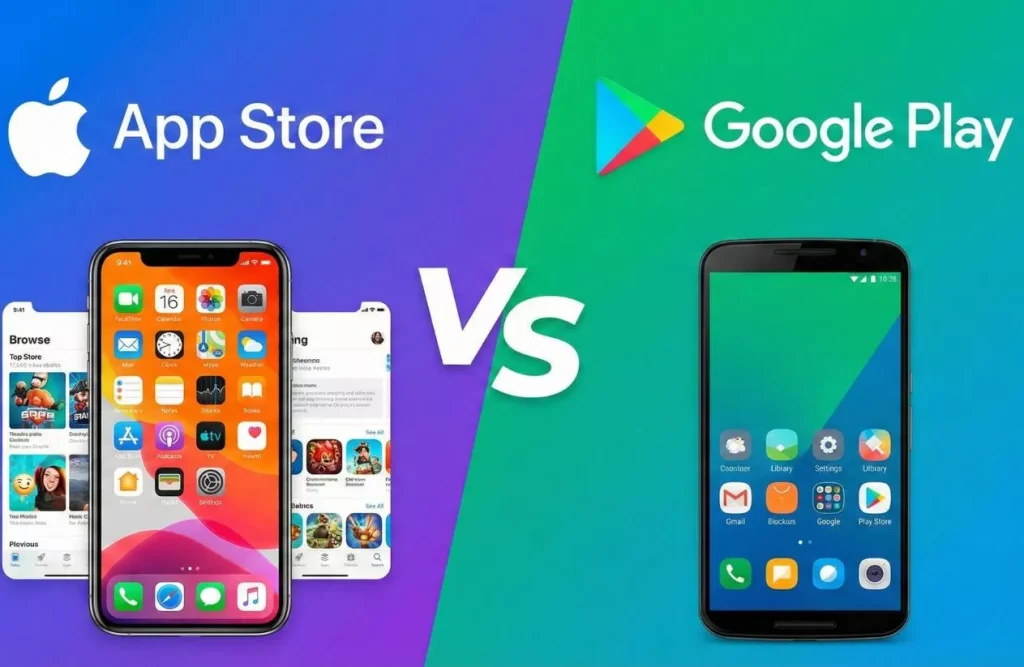
This is where the two platforms completely split paths. Your choice here depends entirely on how you access your games.
Team iPhone: The “Official” Console Experience
Apple has spent billions securing native ports. In 2026, the iPhone 17 Pro is the only phone where you can officially buy and download Resident Evil Village, Death Stranding 2, and Assassin’s Creed Shadows directly from the App Store.
It’s seamless. You buy it, you press play, it works. The controller mapping is automatic, and Apple Arcade remains the best “no-ads, no-microtransactions” subscription in mobile gaming. If you want a PS5-lite experience without tweaking settings, iPhone wins.
Team Android: The “PC in Your Pocket”
If iPhone is a console, Android is a gaming PC. The real story in 2026 isn’t the Play Store; it’s what you can sideload.
Thanks to the Snapdragon 8 Elite, Android emulation has peaked. Using tools like Winlator or Cassia, you can now run actual PC games (like Fallout 4 or GTA V) directly on your phone. It requires setup—you’ll be messing with drivers and config files—but the payoff is massive.
The JIT Problem: Here is the technical dealbreaker. To run high-end emulators (Switch, PS2, PC), apps need something called JIT (Just-In-Time) compilation. Apple blocks this on iOS for security reasons. Android allows it.
- On Android: You download an emulator APK, install it, and play Mario Kart 8 or God of War.
- On iPhone: You can play retro games (GameBoy, DS) via Delta, but for heavy 3D emulation, you are out of luck unless you use convoluted workarounds like AltStore with specific JIT enablers.
Winner: iPhone for official AAA releases; Android for your retro and Steam backlog.
Quality of Life (The Stuff No One Tells You)
Specs look good on paper, but this section covers the actual daily annoyance factors.
The “Low Battery” Anxiety: 20 Minutes vs. 1 Hour
This is the single biggest difference in daily use.
- Android (The Bathroom Charge): Gaming phones like the RedMagic support 80W to 120W charging. You can plug your phone in at 5%, go take a shower, and come back to a 100% battery. It changes how you play because you never worry about “saving” battery.
- iPhone (The Wall Hugger): The iPhone 17 Pro has improved to ~40W charging, which is better than before, but still painfully slow compared to Android. You are looking at over an hour for a full charge. If you game heavy, you will be tethered to a wall or a battery pack.
Controllers: MagSafe vs. Shoulder Triggers
Apple’s MagSafe is brilliant for accessories. You can snap on a magnetic cooling fan or a grip instantly. It’s elegant.
But Android gaming phones have Ultrasonic Shoulder Triggers. These are touch-sensitive areas on the side of the phone that act like L1/R1 buttons on a controller.
- Why it matters: In shooters like COD Mobile or Apex, you can aim and shoot without blocking the screen with your thumbs. You don’t need to carry a bulky Backbone controller with you; the phone is the controller.
The Ecosystem Lock (The “Cross-Save” Trap)
Be careful if you are switching sides. While games like Genshin Impact or Roblox sync your progress perfectly, many paid games do not transfer.
- If you bought Minecraft, Stardew Valley, or GTA: San Andreas on the App Store, you cannot transfer them to Google Play. You have to buy them again.
- In-Game Currencies: often don’t transfer. If you bought coins on an iPhone, they might not show up when you log in on an Android due to store policies.
Price & Resale Value

Gaming is an expensive hobby, but one of these phones is an asset, and the other is a sunk cost.
The “Rental” Cost: Liquidity is King
Here is the uncomfortable truth: iPhones are currency. You can buy an iPhone 17 Pro today for $1,000, use it for a year, and sell it on Marketplace for $700 within 24 hours. The demand is endless.
High-end Android gaming phones (like the ROG Phone or RedMagic) depreciate like rocks.
- The Reality: If you buy a $900 Android gaming phone today, it might be worth $400 next year. Worse, finding a buyer is a nightmare. You are selling to a tiny niche of nerds, not the general public.
The Entry Level: Budget Kings vs. Old Flagships
If you have a budget of $500–$600, the math changes completely.
- Budget Android (The Win): For $500, you can get a brand new Poco F7 or Redmi K80. These phones give you a 120Hz OLED screen, fast charging, and near-flagship performance.
- Older iPhone (The Trap): For $500, you are looking at a used base-model iPhone 14 or 15. The problem? They are stuck at 60Hz. Playing shooters at 60Hz in 2026 feels sluggish and outdated.
Verdict: If you are rich, buy the new iPhone. If you are on a budget, buy a new Android. Do not buy an old non-Pro iPhone for gaming.
Final Verdict: Who Are You?
Don’t overthink it. It comes down to personality type.
Profile A: The “It Just Works” Gamer (Go iPhone)
You want to play Zenless Zone Zero or Death Stranding without configuring graphic drivers. You value social features (iMessage games, screen recording that just works) and you plan to sell the phone in 12 months to upgrade. You don’t care about emulating a PS2; you have a PS5 at home.
Profile B: The “Tinkerer/Hardcore” Gamer (Go Android)
You want to attach a cooler, map shoulder triggers, and spend Saturday night configuring a Windows emulator to run Fallout. You hate limitations. You want a 144Hz screen that actually stays at 144Hz.
When you finally decide between Android or iPhone for gaming, it comes down to this: do you want a console or a PC?
Also check our article: Best Competitive Multiplayer Mobile Games to Test Your Skills