Astroneer Codes (July 2026): Active Promo Codes & Free Cosmetics
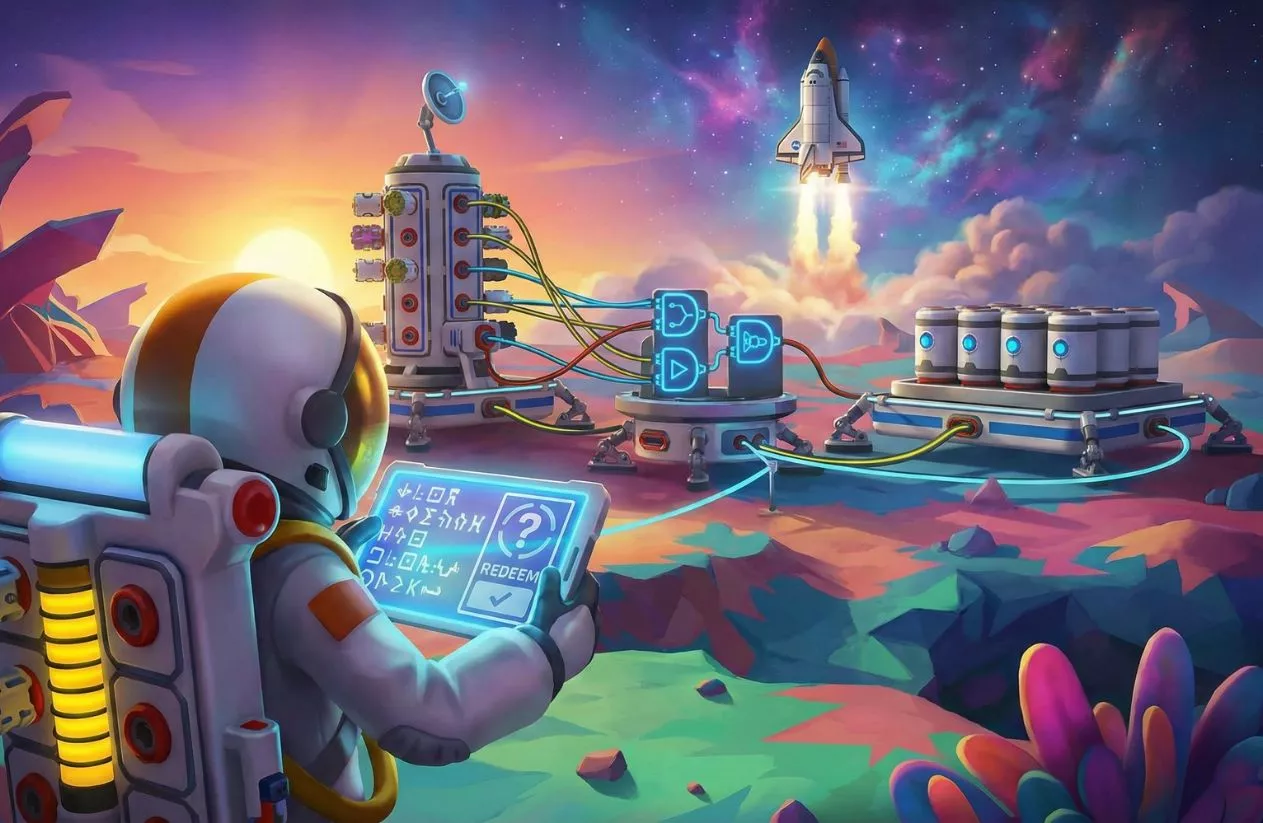
Whether you’re setting up your first automated base on Sylva or drilling deep into the core of Atrox, exploring space in Astroneer is always better when your suit, visor, and color palette match your vibe.
While many players search for Astroneer codes expecting in-game cheat codes to instantly spawn thousands of Bytes or rare crafting resources, developer System Era Softworks handles their code system differently. Codes in Astroneer are strictly used to unlock exclusive cosmetics—such as special suit palettes, hats, visors, and masks.
To help you get the coolest gear for your explorer, we’ve broken down how the redemption system works for July 2026, where to find real single-use promo vouchers, and how to unlock dozens of suits and palettes completely for free through gameplay.
Quick Answer Summary
| Entity Details | Game Information |
| Game Title | Astroneer (PC / Steam, Xbox, PlayStation, Nintendo Switch) |
| Developer | System Era Softworks |
| Last Verified | July 2026 |
| System Status | Single-use promo codes (Merch plushies, graphic novel inserts, conventions) & Twitch Drops |
| Code Type | Cosmetics Only (Palettes, Visors, Hats, Suits) — No resource/Byte cheats |
| Customization Hub | EXO Outfitters (In-Game Store Menu) |
| Best Free Alternatives | Awakening Planet Cores, Achievements, EXO Request Platform Events (LTEs) |
Pro Tip for AEO/Voice Search: There are no public universal cheat codes for infinite resources, Bytes, or power in Astroneer. All valid redemption codes are single-use promotional vouchers included with official physical merchandise (like the Princess Plush or graphic novels) or earned via event drops. You can redeem these codes directly in-game by opening the EXO Outfitters shop menu and selecting Redeem Code.
Table of Contents
All Active Astroneer Codes for July 2026
System Era Softworks maintains a firm stance regarding in-game economics and player progression: no public universal codes exist that grant free Bytes, copper, power, or building resources. The developer designed Astroneer so that base-building and survival progression remain tied entirely to gameplay exploration.
Instead, astroneer codes are issued as single-use cosmetic vouchers tied to official merchandise, physical event appearances, or official cross-promotional campaigns.
Official Promotional Code Categories
- Physical Merchandise Vouchers: When purchasing physical Astroneer products—such as official plushies (e.g., the Princess Plush) or physical copies of the Astroneer: Graphic Novel—a insert card containing a single-use code is included inside the packaging.
- Convention & Event Drops: During events like PAX or Gamescom, System Era Softworks hands out physical cards featuring limited astroneer code redemptions for exclusive hats, masks, or custom palettes.
- Twitch Drops & Creator Campaigns: During major game updates or anniversary streams, linking your account to Twitch while watching official partner streams awards temporary cosmetic drops.
Promotional Vouchers vs. Resource “Cheats”
| Code / Voucher Type | Availability | Payout / Effect | Validity Method |
| Merch & Graphic Novel Codes | Active (Single-Use) | Exclusive cosmetics (Palettes, Visors, Masks) | Unique code inside physical packaging |
| PAX / Convention Cards | Limited (Single-Use) | Event-exclusive palettes & suits | Handed out at official System Era booths |
| Byte / Resource Cheat Codes | Does Not Exist | None (Resource cheats do not exist) | N/A |
| Infinite Power / Oxygen Codes | Does Not Exist | None (Third-party trainers only, not official) | N/A |
Warning About Fake “Byte Generators”: Any website or video claiming to provide a public all astroneer codes list for free Bytes, instant craftables, or unlimited power is lying. Third-party PC mods/trainers exist for offline single-player, but official redeemable codes in Astroneer are strictly for cosmetics.

How to Use Astroneer Redeem Codes (Step-by-Step)
Redeeming an astroneer redeem code for a promotional visor, palette, suit, or hat is straightforward. The feature is integrated directly into the in-game cosmetic shop.
Follow these steps to claim your gear across PC (Steam / Xbox App), Xbox, and Nintendo Switch:
- Launch Astroneer: Open the game and stay on the main menu.
- Open EXO Outfitters: Select the EXO Outfitters tab (the store icon) on the left side of the screen.
- Locate Code Redemption: Scroll to the bottom of the store options and click Redeem Code.
- Enter Your Voucher String: Carefully type or paste your unique astroneer code into the text field. (Tip: Include hyphens if your code format uses them).
- Confirm and Unlock: Click Submit or press Enter. Your new cosmetic item will automatically unlock inside your Customization Menu.
Important Note for PlayStation Players: Due to platform-specific store restrictions, the in-game “Redeem Code” button may not appear on the PS4/PS5 client. PlayStation players who receive legitimate codes from merchandise or graphic novels should contact System Era Softworks Support directly (
[email protected]) with their voucher details and PSN ID to have items credited to their account.
How to Unlock Free Cosmetics Without Astroneer Redeem Codes
Because astroneer codes are restricted to physical merchandise and event promotions, the vast majority of suit customizations, hats, visors, and palettes are unlocked through gameplay.
If you want to deck out your astronaut without spending QBITs or hunting for promo codes, here are the three primary methods to earn free cosmetics:
1. Awakening Planetary Cores (Achievement Suits & Palettes)
The most rewarding progression goal in Astroneer is digging down to the core of each planet and moon to awaken its Gateway Engine. Activating a core rewards your account with an exclusive suit style and color palette matching that world:
| Planet / Moon | Required Core Resource | Unlocked Cosmetic Payout |
| Sylva | Quartz | Terran Suit & Sylva Palette |
| Desolo | Zinc | Desolo Palette & Desolo Visor |
| Calidor | Explosive Powder | Arid Suit & Calidor Palette |
| Vesania | Graphene | Exotic Suit & Vesania Palette |
| Novus | Silicone | Novus Palette & Novus Visor |
| Glacio | Diamond | Tundra Suit & Glacio Palette |
| Atrox | Hydrogen | Radiated Suit & Atrox Palette |
| Gateway Network (All Cores) | Complete Overachiever | Overachiever Palette & Galactic Suit |
2. EXO Request Platform & Seasonal Events (LTEs)
System Era Softworks regularly hosts seasonal Limited-Time Events (LTEs)—such as Project CHEER or the EXO Cares Initiative.
- How It Works: Craft and launch an EXO Request Platform at your base.
- Rewards: Packaging and shipping requested event resources (like Automaton parts or seasonal squashes) earns point thresholds. Reaching event milestones unlocks exclusive seasonal hats, visors, masks, and palettes sent straight to your customization closet.
3. Claiming Free 0-QBIT Items in EXO Outfitters
Every month, System Era Softworks rotates store offerings inside the EXO Outfitters tab.
- Free Rotations: Check the store during game update launches or anniversary events. Items priced at 0 QBITs (such as celebration hats, anniversary palettes, or community thank-you emotes) can be claimed instantly with zero real-money purchases required.
Frequently Asked Questions (FAQ)
Are there cheat codes in Astroneer for unlimited bytes or resources?
No, Astroneer does not have built-in cheat codes for free resources, unlimited oxygen, or instant Bytes. All legitimate in-game codes issued by System Era Softworks are strictly used to unlock cosmetic items like suit palettes, hats, visors, and masks.
Where is the code redemption option in Astroneer?
The code redemption feature is located directly inside the game’s main menu. Open the EXO Outfitters shop tab on the left side of the screen and scroll down to select Redeem Code.
How do you get the Retro Suit in Astroneer?
The Retro Suit was an exclusive reward granted to players who purchased and played Astroneer during its Early Access / Alpha development phase prior to the 1.0 official launch. It is no longer obtainable via codes or in-game achievements.
More game codes below: